How to join the playtest, and PC requirements
To get into a The Legend of California playtest, open the official Steam page and click Request Access, which sits just above Add to Wishlist. Invites go out in waves from that signup list; anyone who played in a previous Alpha is admitted automatically. If you are selected, Steam notifies you, sends an email and adds the playtest client to your library. You need a 64-bit Windows 10 or 11 PC with an SSD and 50 GB free.
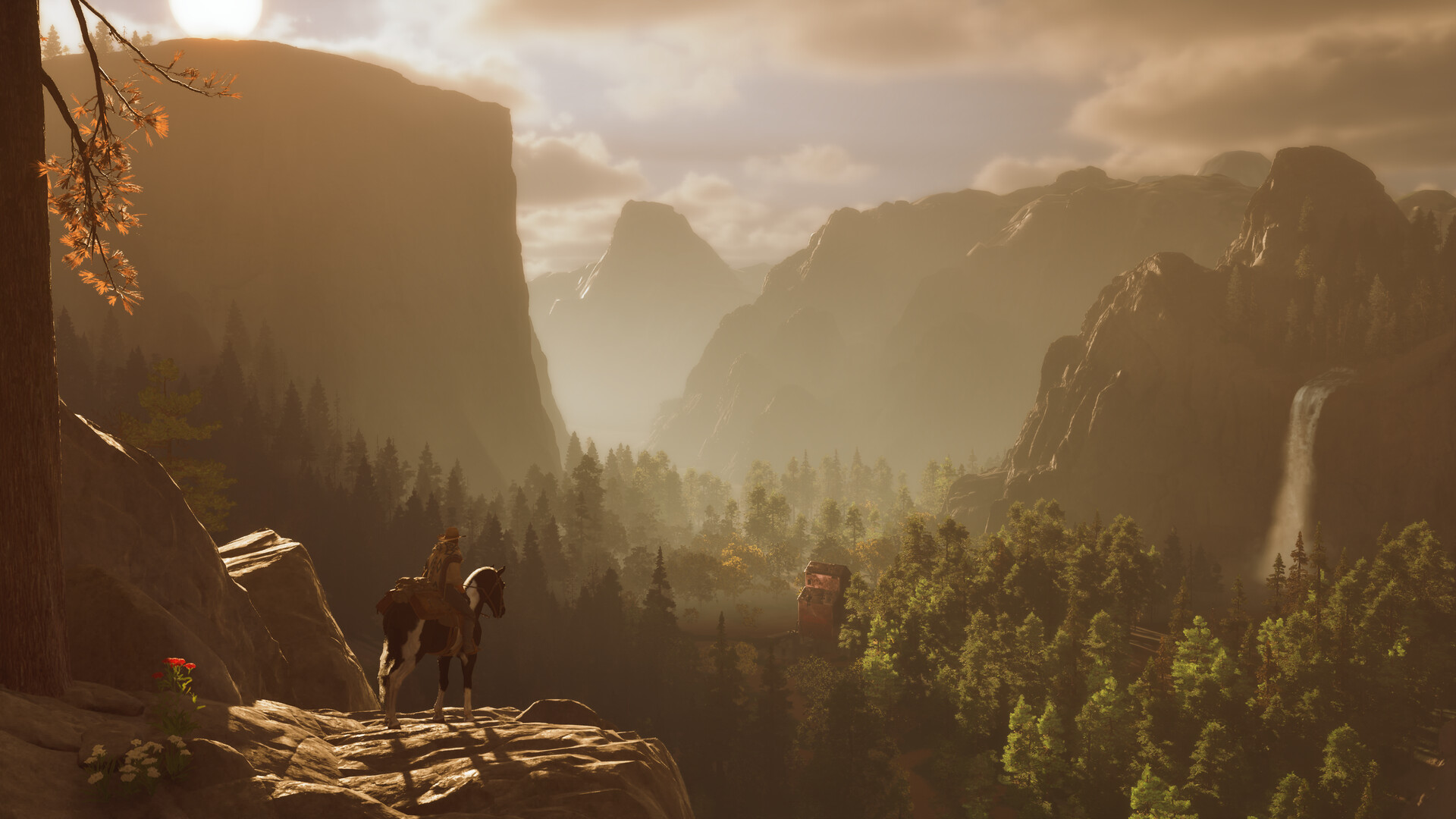
Signing up, step by step
- Go to The Legend of California on Steam while signed in.
- Click Request Access above the wishlist button and confirm the dialog.
- Wait for a selection. The first Alpha announcement says selected players get a Steam notification and an email from Steam, and the game client is added to the Steam Library automatically.
- Download and install from your library. The June announcement suggests checking your spam folder because some invites were reported missing.
Who gets in
For Alpha 5, the studio says previous Alpha players are in automatically and it is inviting more new players from the Steam signup list. Earlier tests were deliberately small: the first Alpha was described as hundreds rather than thousands of players, and the recap reported that 69% of its invites came from Steam Playtest signups. A request is not a guaranteed seat.
The studio points players to its official Discord for how-to-play help, bug reports and status updates. For the first Alpha it said there was no NDA, so streaming and posting were allowed; check the current test’s announcement for its own rules.
PC system requirements
| Component | Minimum | Recommended |
|---|---|---|
| OS | Windows 10 or 11 (64-bit) | Windows 10 or 11 (64-bit) |
| Processor | Intel Core i7-10700K / AMD Ryzen 7 3700X | Intel Core i7-12700K / AMD Ryzen 7 5700X |
| Memory | 16 GB RAM | 32 GB RAM |
| Graphics | NVIDIA GeForce RTX 2060 SUPER 8 GB / AMD Radeon RX 6600 8 GB | NVIDIA GeForce RTX 3080 10 GB / AMD Radeon RX 6800 16 GB |
| DirectX | Version 12 | Version 12 |
| Network | Broadband internet | Broadband internet |
| Storage | 50 GB, SSD required | 50 GB, SSD required |
These are the developer’s published figures from Steam. No target resolution or frame rate is attached to either tier. An internet connection is required because the game runs on online servers. Steam lists partial controller support, including DualShock and DualSense, and English as the only supported language. There is no macOS or Linux build.